
GET SET UP.
STAY IN CONTROL.
Step-by-step documentation for Vitality's FiveM releases. Find installation instructions, requirements, configuration, commands, and troubleshooting in one place.
CHOOSE YOUR SCRIPT
Guides for released Vitality resources and the latest Fishing release package.
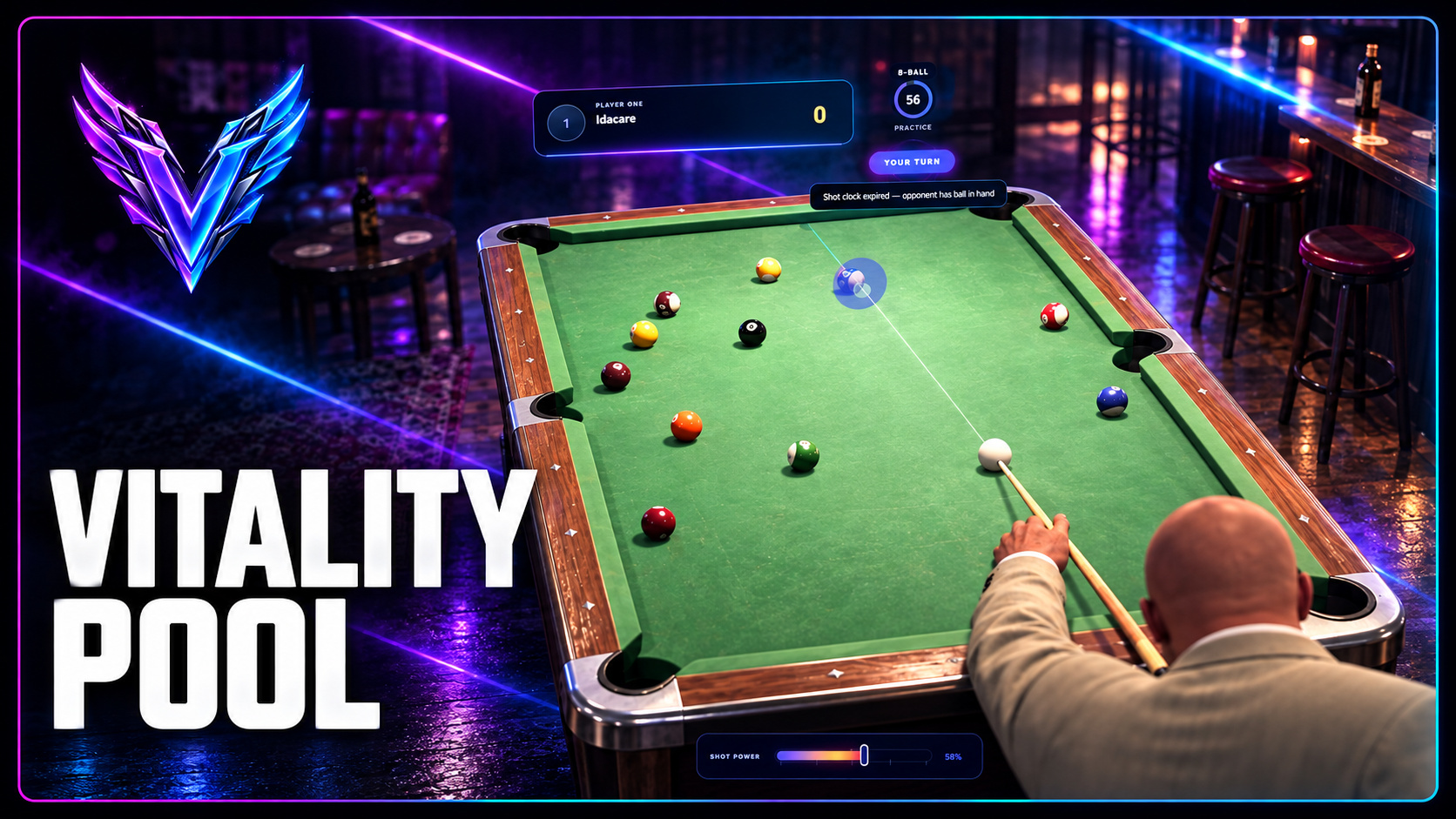
Vitality Pool
Install and configure the synchronized pool system, game modes, wagers, table models, and player controls.
Read guide ↗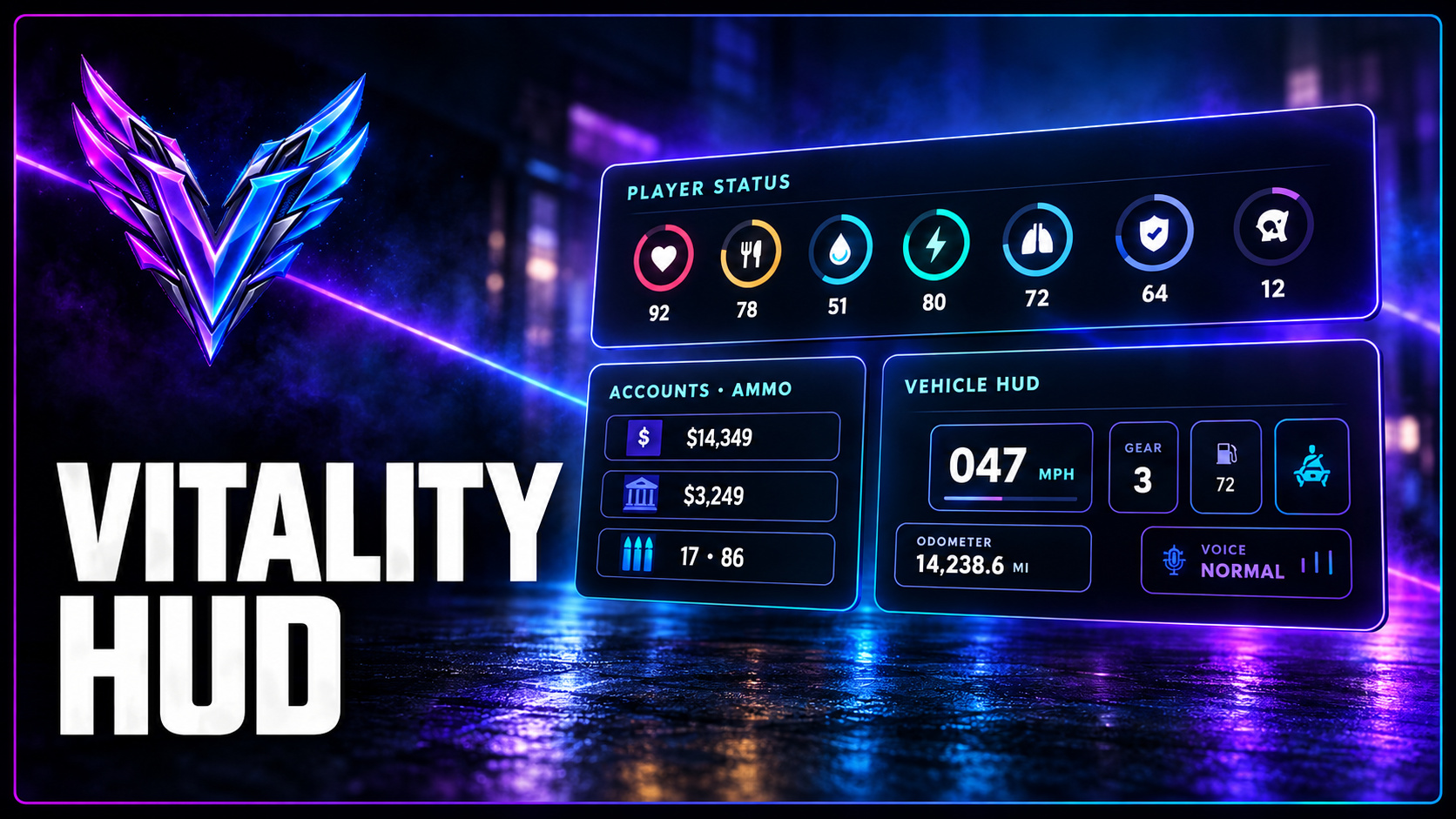
Vitality HUD
Set up the QBOX HUD, customize widget layouts, and connect optional banking, notification, and mileage integrations.
Read guide ↗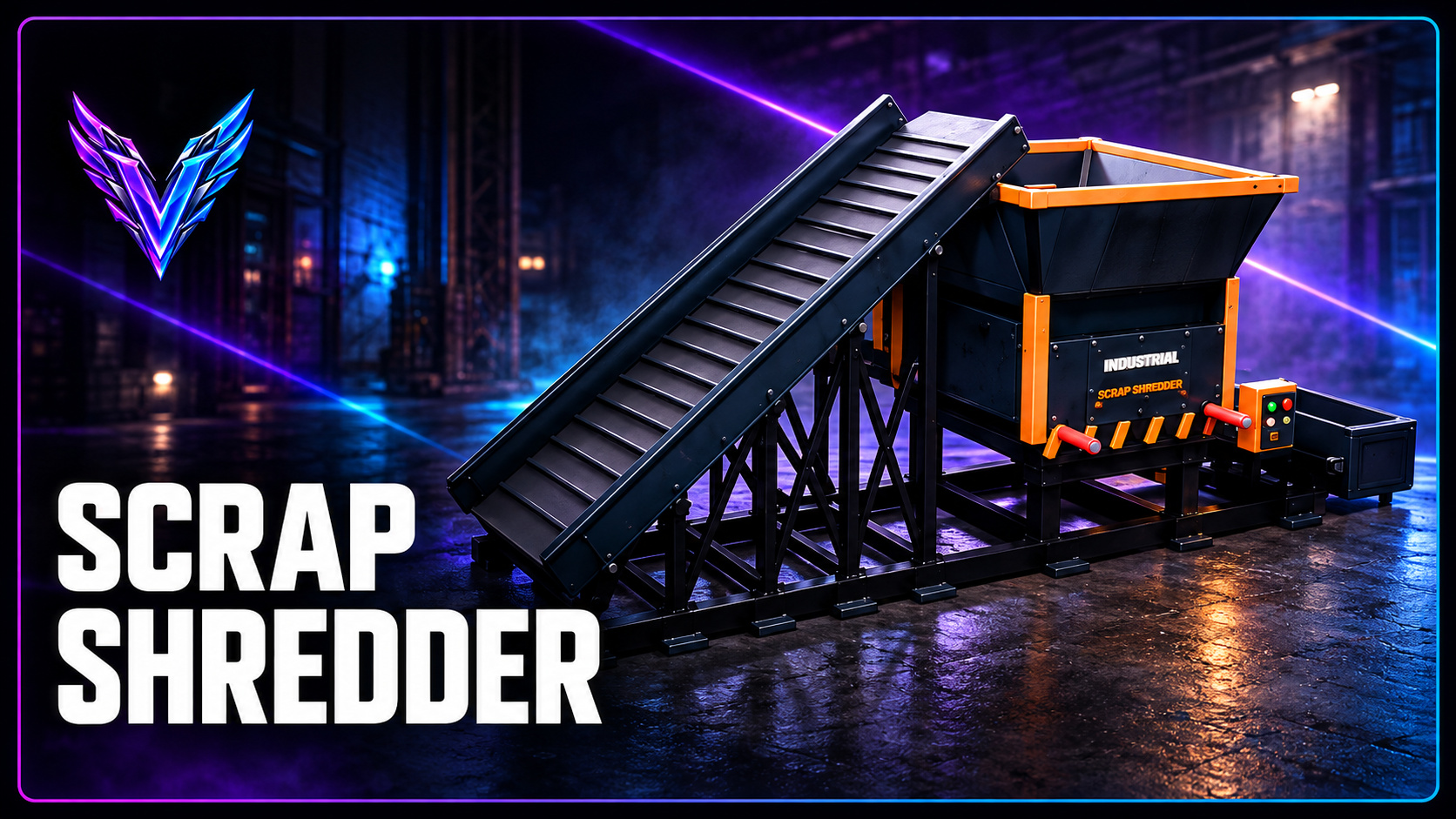
Vitality Shredder
Bring the industrial shredder online, configure inventory adapters and recipes, and manage persistent machines.
Read guide ↗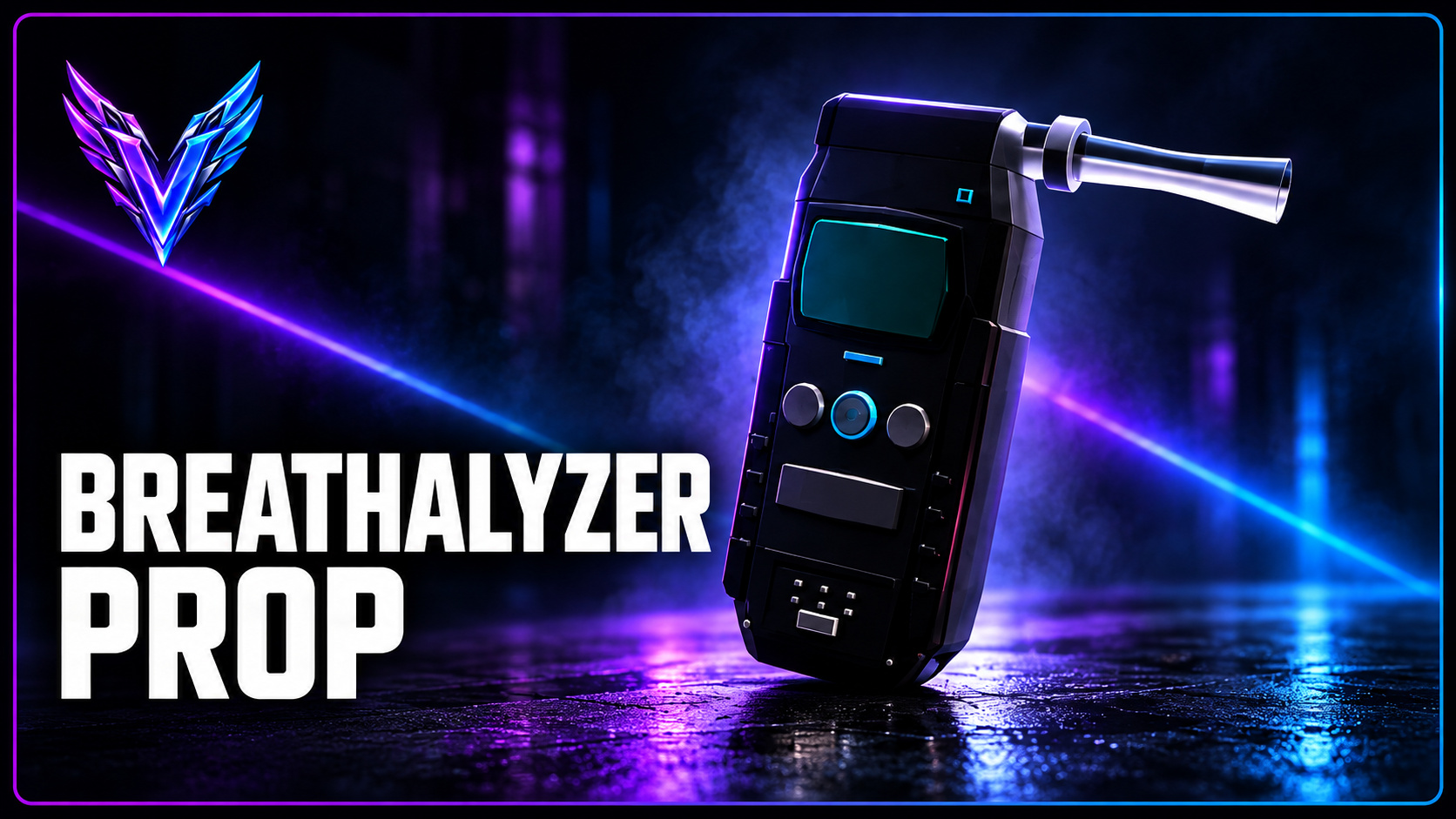
Vitality Breathalyzer Prop
Install the standalone handheld model, change offsets, test the prop, and integrate it from your own scripts.
Read guide ↗
Vitality Fishing
Install fishing rods, bait, fish inventory items, stringers, buyer locations, and the player-facing fishing HUD.
Read guide ↗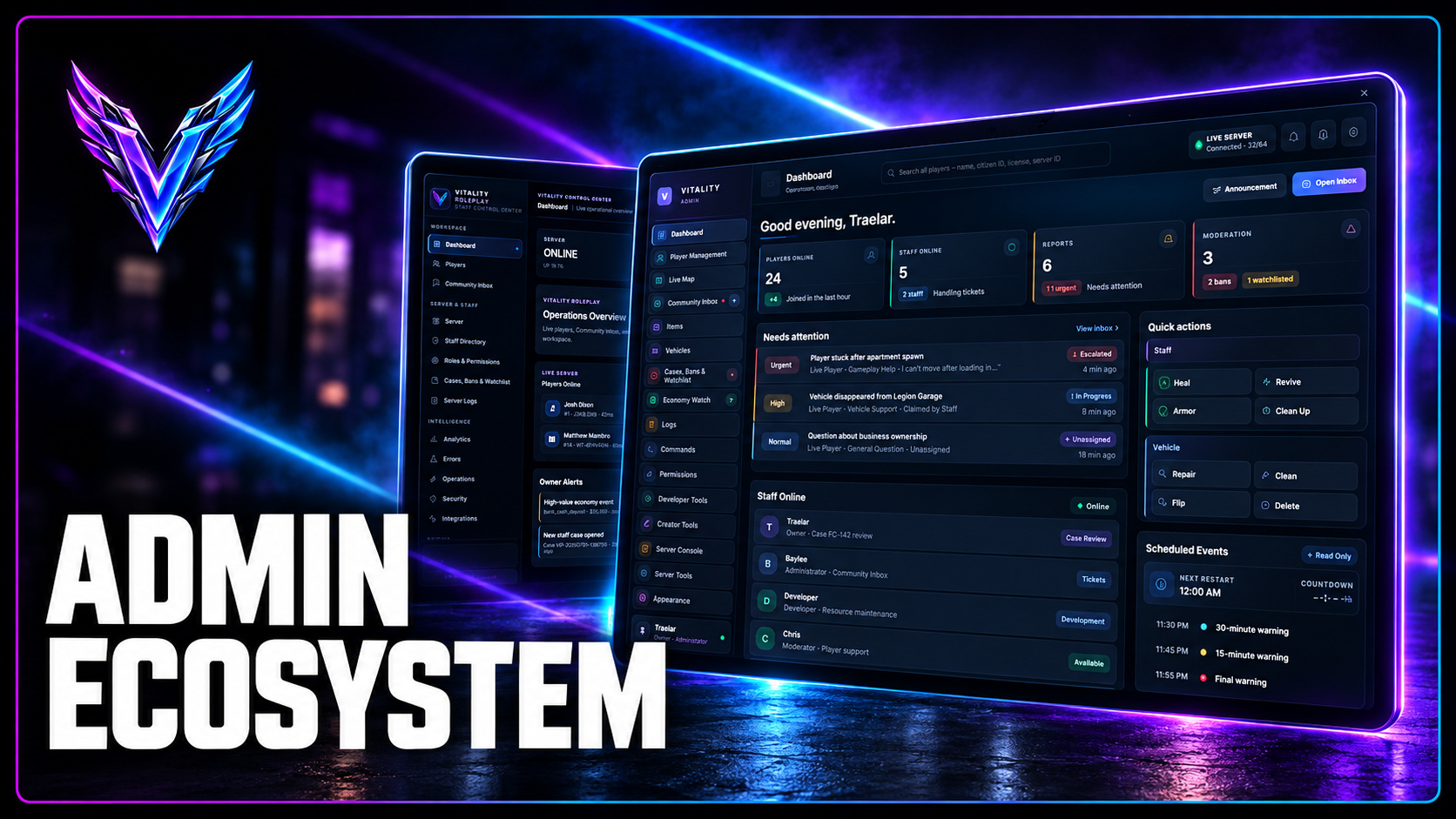
Vitality Admin Ecosystem
Understand the in-game staff tools, web Control Center, permission setup, and safe deployment process.
Read guide ↗No guides match your search. Try a different keyword.
BEFORE YOU INSTALL
Always read your package's versioned README, install the required dependencies, keep editable config files separate from escrow-protected code, and make a backup before updating an existing resource.
Basic FiveM resource setup
ensure your_dependencies
ensure vitality_resource
Use the exact resource folder name supplied with your purchase. Do not start a resource before its required dependencies.
STILL HAVE QUESTIONS?
For installation assistance, version-specific issues, and compatibility checks, contact us on Discord.
Join Vitality Discord ↗